免责声明
以下信息由鸿合客服提供的安装包安装后在目录下获取
均为明文存储信息
没有经过抓包、逆向、破解等方式对软件本身进行任何操作
如果以下内容不适宜展示,请联系本人删除
基本信息
软件名称:Lesson+
软件版本:20250621
整体概述
除了LightDesktop,其余均为网页版套壳
详情网页在鸿合的version.ini均有详细记录
aiwhiteboardurl = https://iwb.hitecloud.cn
aizhitongurl= https://jizhi.hitecloud.cn/intelliVision
aichaturl = https://jizhi.hitecloud.cn/aide/index
aiechourl = https://jizhi.hitecloud.cn/aide/index?single=1
cloudhost = https://www.hitecloud.cn/
updatehost = http://update.hitecloud.cn/
writeCloudHost = https://signaturecheck.hitecloud.cn/
appserviceHost = https://appservice.hitecloud.cn/
cloudrest = http://spss.hitecloud.cn/
orgloginhost = https://sso.hitecloud.cn/
appshost = http://update.hitecloud.cn/
aiboturl = ws://jizhi.hitecloud.cn/jz-ws/ai/chat
facecloudhost = https://jizhi.hitecloud.cn/jz-api/
lubanhost = https://campus.hitecloud.cn/luban/login/index
我来做一下翻译与适度精简:
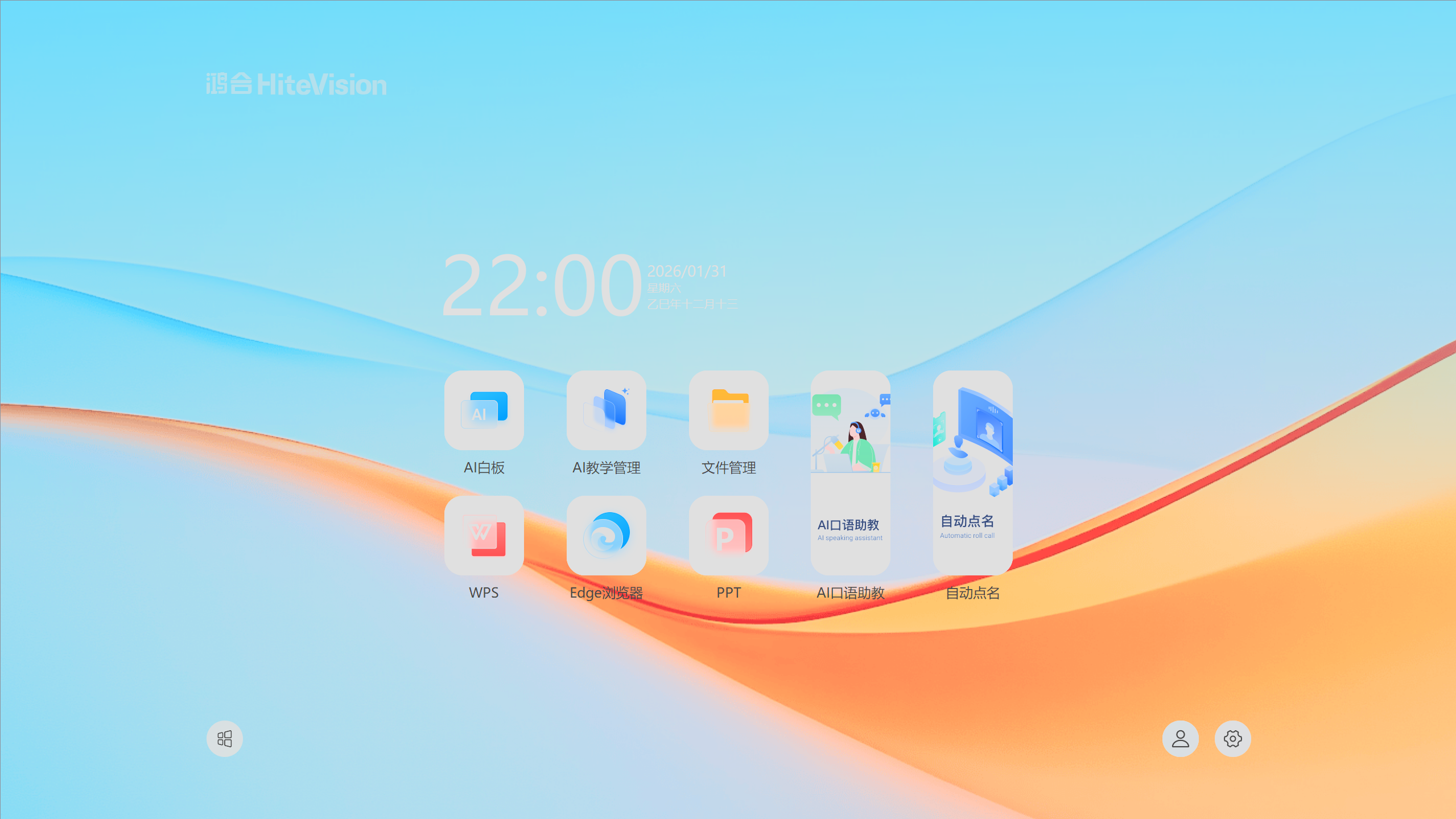
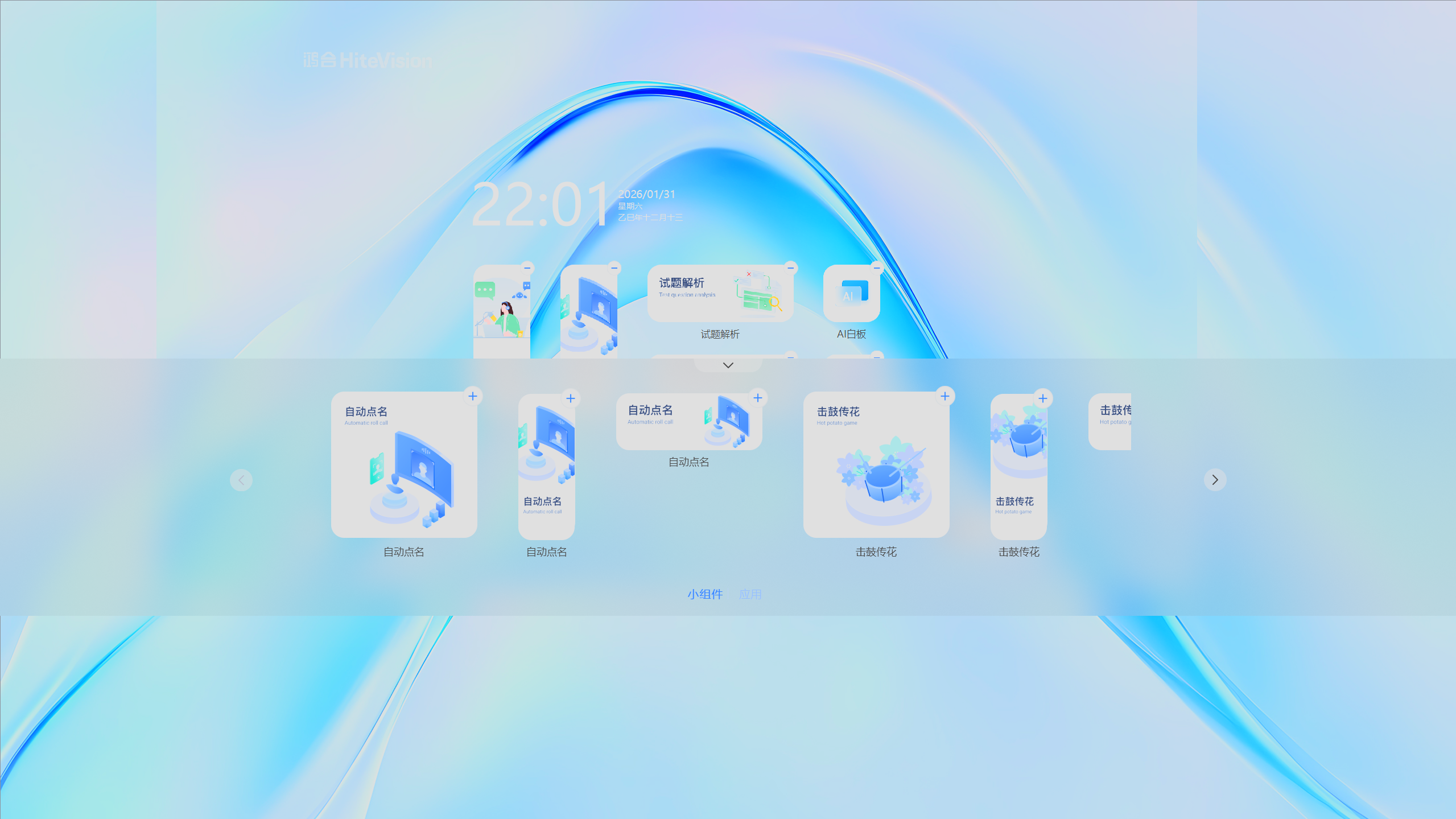
Lesson+轻桌面
Qt编写,具有较为先进的操作逻辑,以下因为我的分辨率高而100%缩放可能显示出来的布局有些奇怪
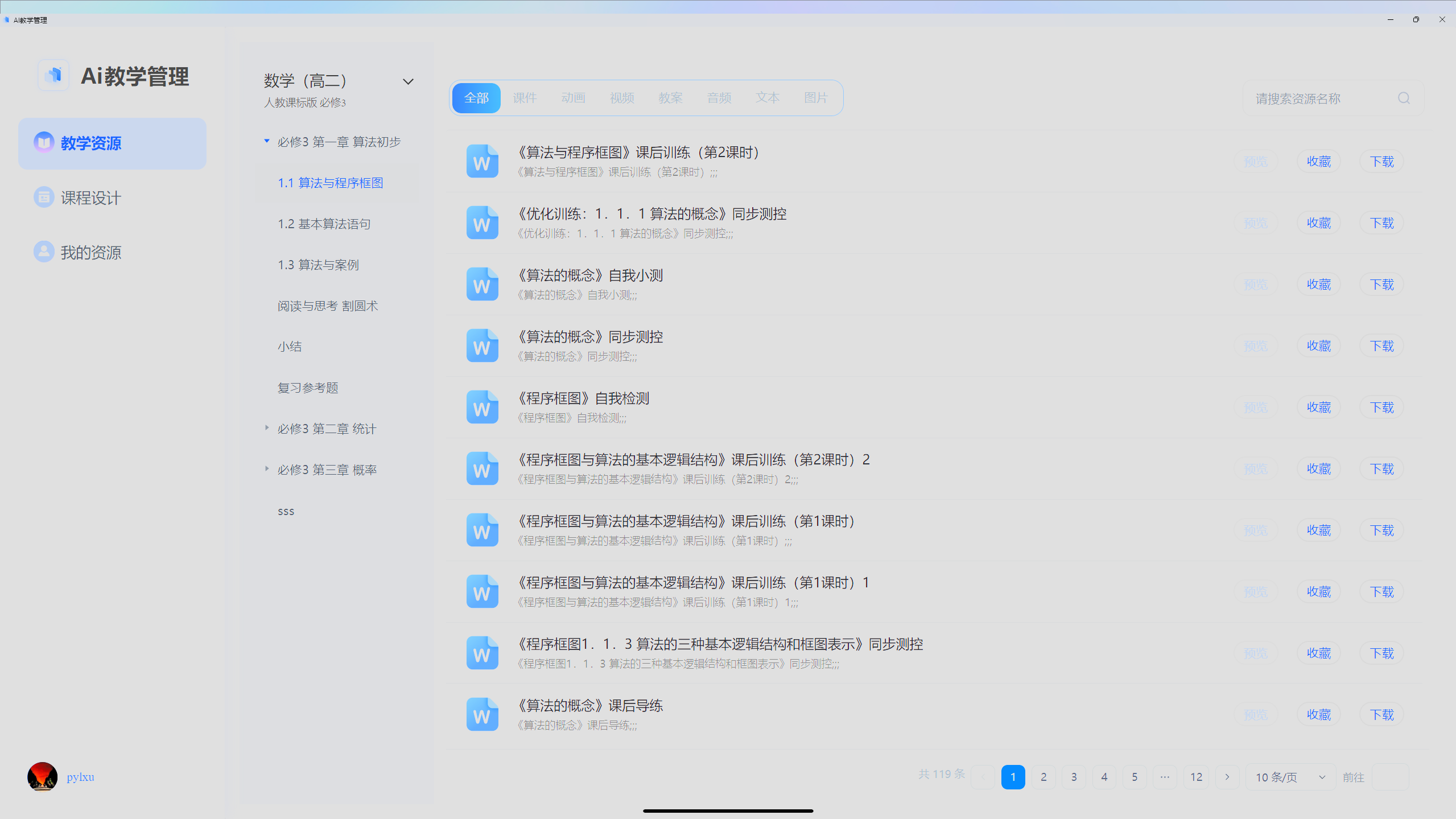
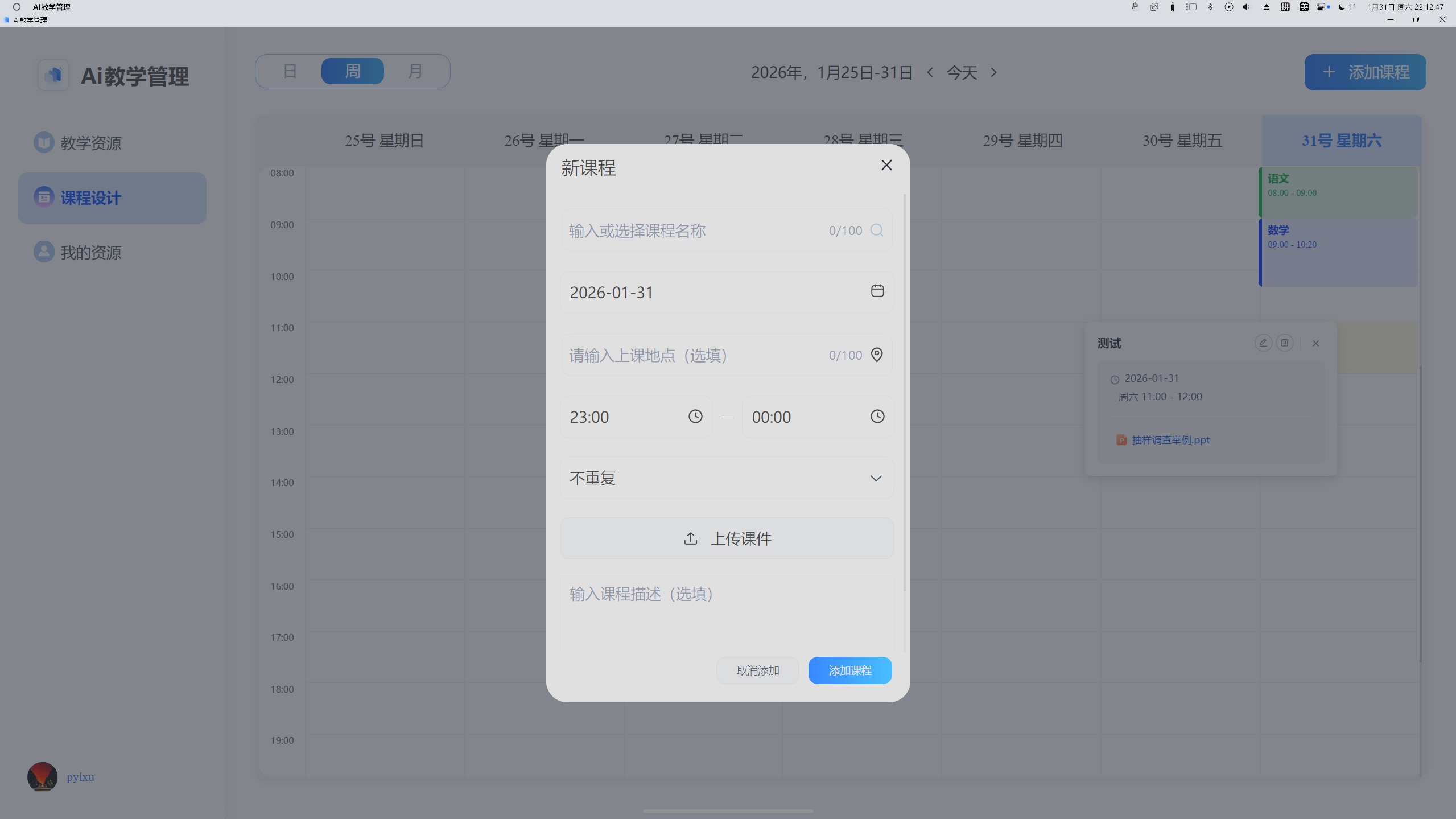
AI教学管理
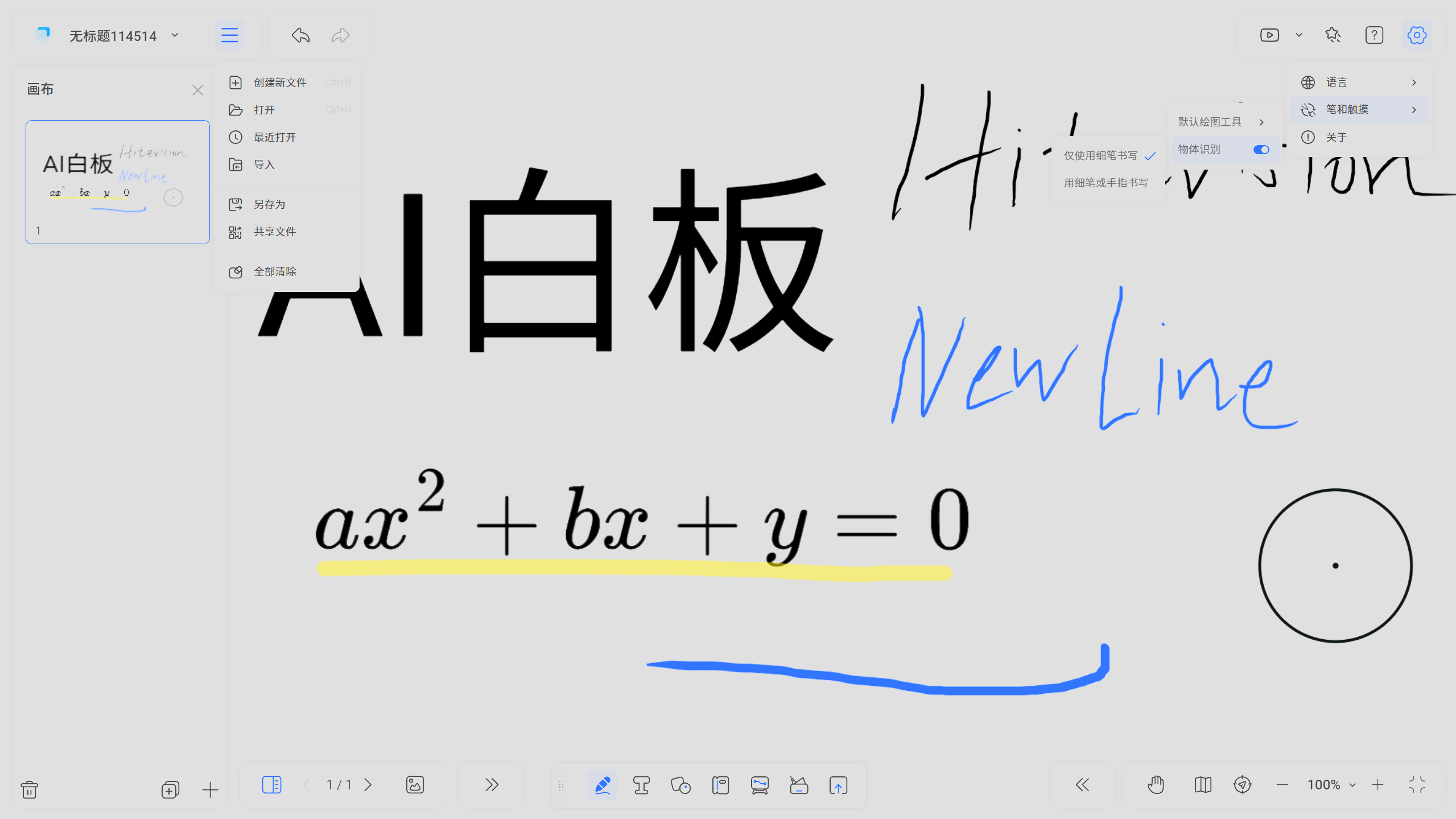
AI白板
直接经NewLine搬运而来,因为书写走的是Web且没有专门的优化,书写体验较为卡顿且疑似未适应高缩放
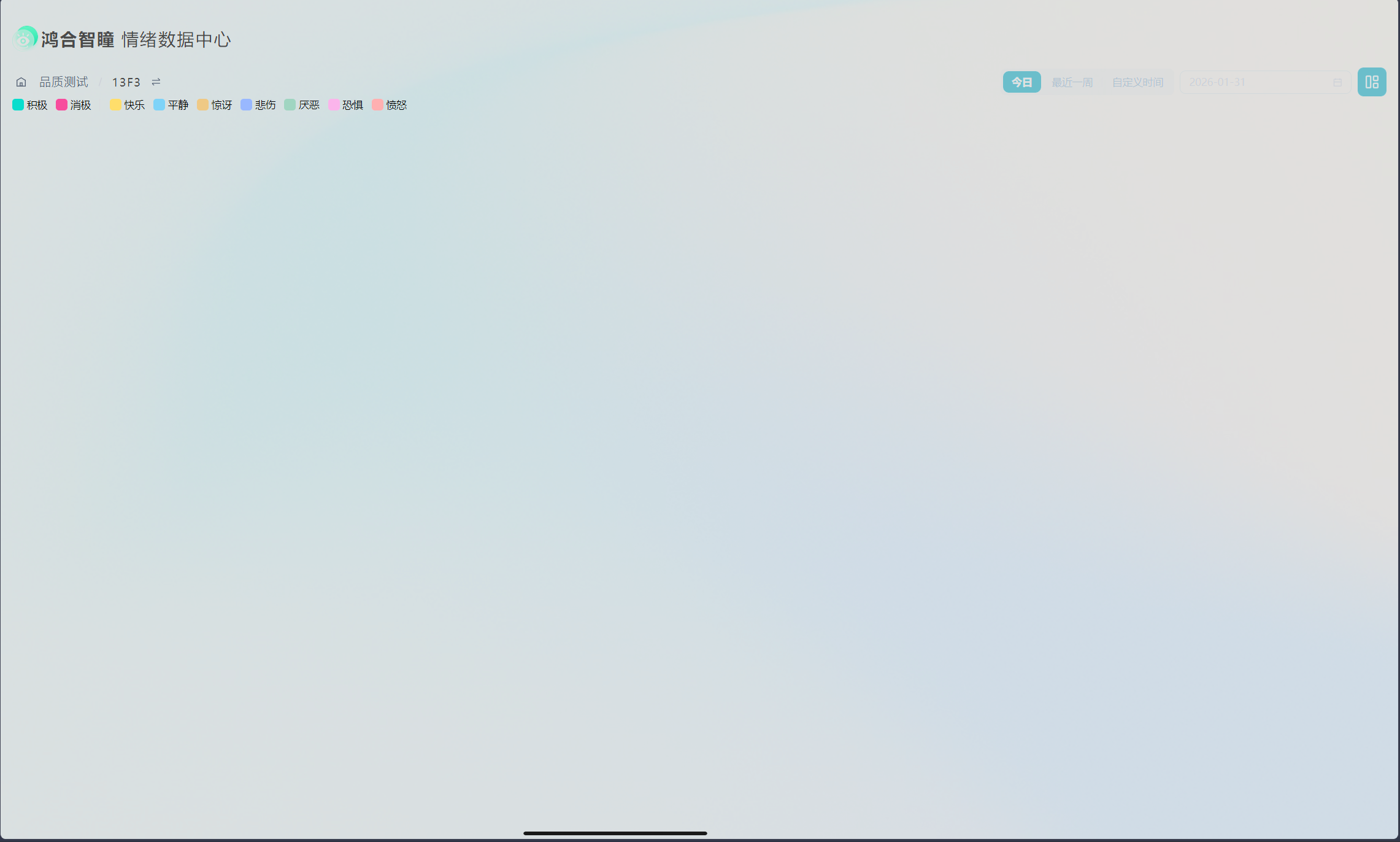
鸿合智瞳
半成品,目前没找到有数据的班级,期待后续发展
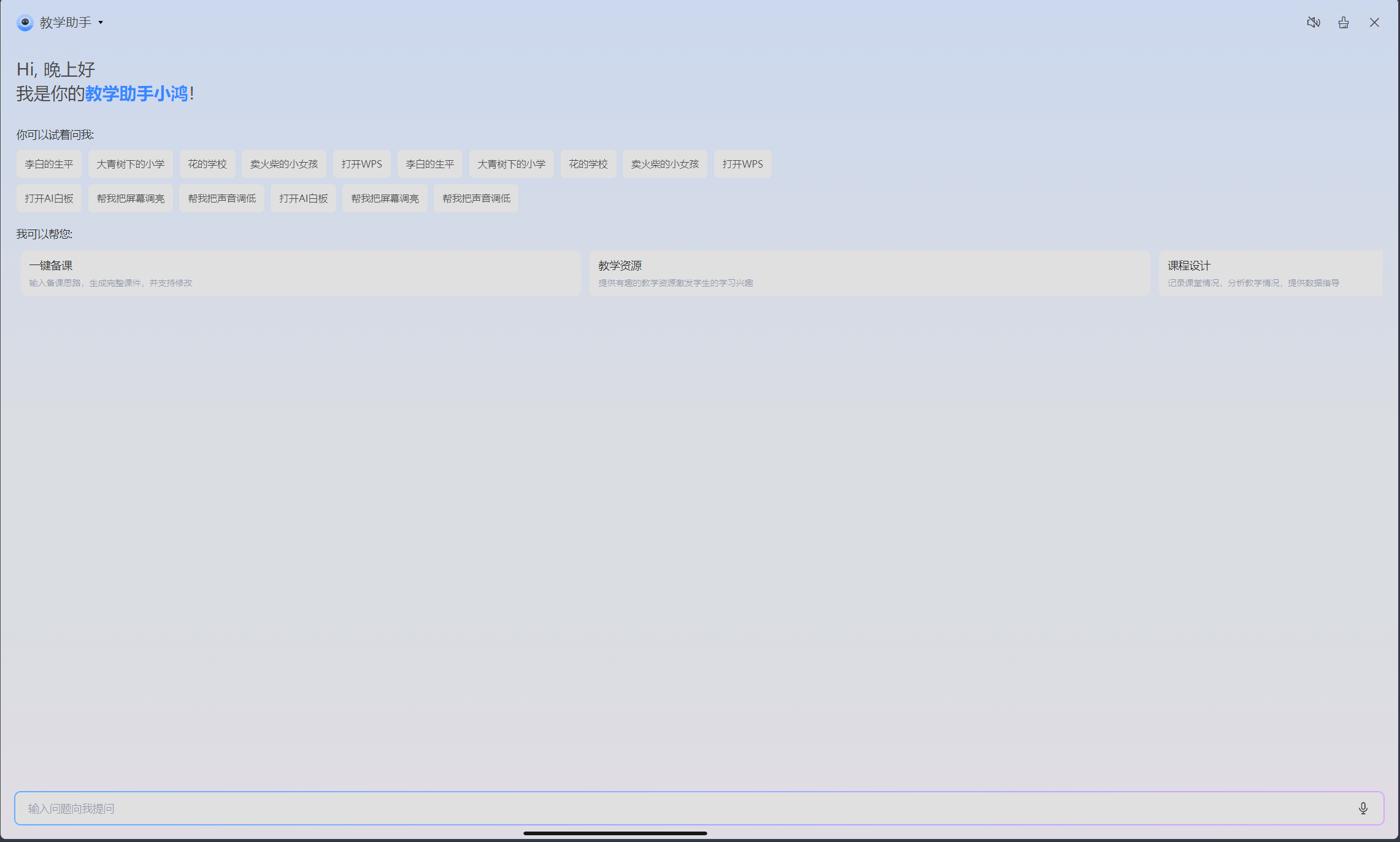
AI聊天
能用水平,每条消息下面都有推荐图片,图片疑似是直接在鸿合云平台拿的
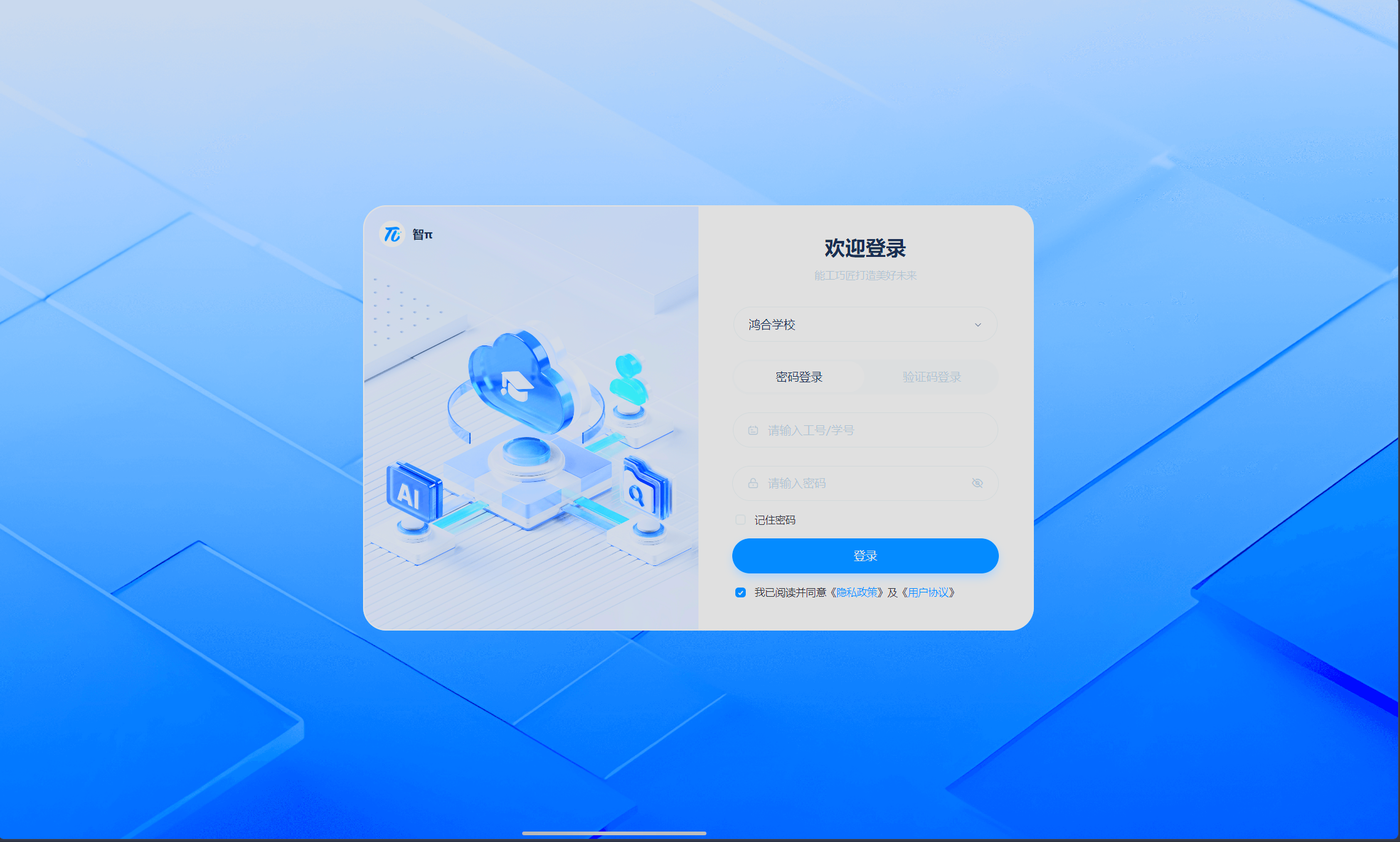
鸿合鲁班云
我没有权限。。。
LightDesktop中网页工具列表:
疑似都不能用
AI口语助教:https://esa.turingapi.com/
试题解析:https://analyzemyexam.turingapi.com/parse
英语听力音频生成:https://voicemytest.turingapi.com/login
LightDesktop 图标&壁纸
两个壁纸:

图标+壁纸打包下载:
https://trszstu.lanzoue.com/i94gN3hgxnsb
密码:4fq7